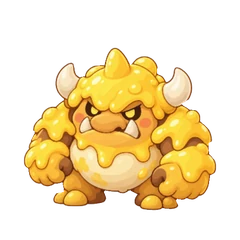
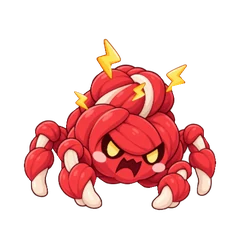
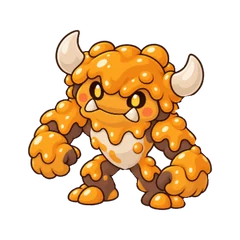
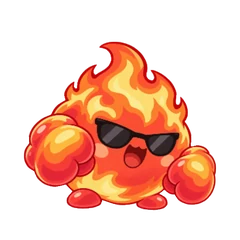
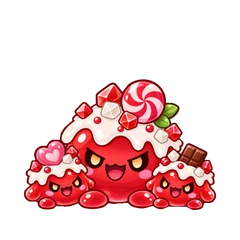
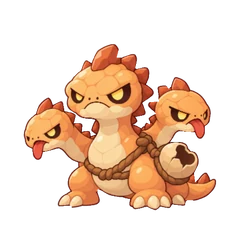
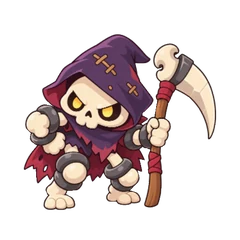
Pick an egg to start your story with Blukie, Clovie, or Ignie. Connect Apple Health and earn 100 Tama Power through your movement and workouts. Once your egg is ready, claim the hatch in the app and give your Fitama a nickname.
Call your Blukie “Mochi” if you like. They’re still a Blukie, just with a name you picked.
Eligible new players receive a Sign-up bonus in Mail → Parcel after their first hatch: 1 Mystery Package, 2 Treats and 2 Protein Bars. A friend code is optional; an eligible invite reward can arrive separately. Claim the parcel, then open the Mystery Package in Inventory. The Sign-up bonus is once per Apple or Google sign-in and does not repeat after resetting or recreating an account.
Tama Power, or TP, is the energy your everyday movement and workouts bring to the adventure. Connect Apple Health and sync your activity with Fitama to earn it.
Earn TP to work toward hatching and quest goals, then spend available TP on dungeon attacks. Your quest progress tracks eligible power you’ve earned. Your available balance shows what’s left to spend.
Go at your own pace. You can check your current power and daily limits in the app.
Your routine is welcome here. Walk, run, cycle, dance, or choose another workout you enjoy. Everyday movement and workouts can help you earn Tama Power when compatible activity records sync through Apple Health.
Give your watch or workout app time to sync, then refresh your activity in Fitama. What can sync depends on your device, its Health support and the permissions you choose.
Apple Watch or a compatible wearable/workout app records your activity.
Apple Health
Supported sources share your movement and workout activity with Health on your iPhone.
Fitama syncs your activity
With your permission, Fitama reads compatible movement and workout activity so you can earn Tama Power.
Your adventure
Earn TP toward your hatch and quests. Spend available TP on dungeon attacks.
Fitama connects through Apple Health. Sharing support varies by device and app, and syncing can take time.
Open Fitama on a supported iPhone and tap Connect Apple Health during setup.
Review the Health permissions and allow Fitama to read the movement and workout information you want to share.
Record an activity, give your device or app time to sync, then refresh activity in Fitama.
Changed your mind about what to share? You can adjust permissions later in Apple Health. Apple’s guide to managing Health data explains how to check apps, devices, and their data sources.
Already have a wearable you like? It can join in if it, or its companion app, shares compatible movement and workout records with Apple Health. That’s how the activity reaches Fitama on your iPhone.
Check your wearable app’s Apple Health sharing settings.
Enable supported movement and workout sharing.
Sync your activity and check that your movement or workout appears in Apple Health.
Allow Fitama to read it, then refresh activity.
Check what your device can share before you get started. Support varies by device and app. Fitama connects through Apple Health rather than directly to each wearable.
Your workouts and everyday movement help you earn Tama Power for the adventure. Pick an unlocked dungeon on the map, meet its level requirement, and clear earlier dungeons to move along the route.
Choose Solo or Group, then Warm-Up (Normal) or Beast Mode (Hard). Numbered dungeon runs last 1–3 game days. Check the setup screen for the monster’s HP, daily TP limits and possible rewards before entering.
The daily limit is two numbered dungeon entries. Active, cleared and failed runs count. A cancelled run does not use an entry if you contributed no TP; a cancelled run where you contributed TP still counts.
Attacks spend your available TP within the run’s daily attack limit. Equipment, hearts, hunger and bond affect your companion’s strength. At zero hearts, your Fitama cannot attack or enter another dungeon until it recovers.
When your run shows three attack markers
The three sword markers show your regular daily attack allowance in three charges. Each marker can be waiting, ready or already used. Earn TP through movement and workouts, then tap Attack when the next charge is ready. Each attack can trigger its own weapon effect.
In these runs, your second attack of the game day gives the monster its daily chance to strike back. In a group, it can target any living teammate. The monster may hold back, and defensive equipment can help you dodge or block a strike.
Miss a whole game day without attacking while the run is active, and your Fitama takes a heart penalty at the next reset. That penalty cannot be dodged or blocked. The day you joined is not counted as a full missed day.
Already-started runs can keep their earlier attack rules. Follow the power panel and battle log for your run. Second Wind can reopen an eligible spent allowance, but you still need enough ready TP for the next attack.
The battle’s back arrow lets you leave the screen while the run continues. The separate Leave dungeon action asks you to confirm withdrawing from the run: your damage is undone and you give up its rewards. Normal returns all eligible, unexpired TP spent in that run; Hard returns 80%. Read the confirmation before leaving.
After a win, your Fitama rests until the next daily reset. You can still earn TP through workouts and movement and complete quests. An eligible Second Wind can end that rest, but it does not remove the two-entry daily limit. If the dungeon timer expires, the enemy flees; checking the result later does not add another day of rest. See rewards and returning to the map for the next step.
Training Camp has its own introductory flow and is separate from the numbered dungeon entry limit.
Open Quest. After Training Camp, switch between Daily and Weekly to see your goals.
Build progress at your pace. Refresh activity when your records have synced. Spending TP on an attack does not undo the TP you already earned toward a goal.
Collect what is ready. Tap Claim and wait for confirmation. A full progress bar alone does not collect the reward.
Daily goals reset at 4:00 AM; the weekly period starts Monday at 4:00 AM in the game’s timezone. Check the app’s current period before a late claim.
Your recurring goals
Current daily and weekly quest rewards
Quest
Goal
Reward
Warm Up
300 TP today
48 XP
Daily Strength
650 TP today
84 XP
Peak Power
1,000 TP today
160 XP
Weekly Progress
3,220 TP this week
1,000 XP
Weekly Raid
3 completed dungeon-days this week
Heart Potion
Helping Hand
5 completed bonus quests this week
1 Second Wind
Dungeon-days are not the same as dungeon runs. Weekly Raid adds the duration of completed runs credited to that week. A completed three-day run contributes three dungeon-days.
Helping Hand counts eligible NPC bonus quests. A fixed quest counts once its reward is claimed; a progressive quest counts once its reward is settled. Mumu’s sleep quest is separate and does not count toward this weekly goal.
New-player quests are separate. Hatch your egg with 100 TP, complete the introductory Training Camp for 50 XP, then finish Keep It Going by reaching 320 TP in the current game day for a Heart Potion. Keep It Going is a one-time follow-up; its daily progress resets until you claim it. First Steps adds more goals you can claim once per account.
After Training Camp, open Quest → Daily for these one-time goals. Complete a goal, tap its Claim button and wait for confirmation. Eligible saved progress may already meet a goal.
First Steps rewards · once per account
Quest
Goal
Reward
Solo Debut
Win a dungeon on your own
Power Bottle
Better Together
Win a dungeon with your party
2 Tama Coins
Bring a Buddy
Become friends with another player
2 Tama Coins
Snack Time
Feed your Fitama a Treat or Grilled Talakitok
2 Tama Coins
Good Neighbor
Finish an eligible town bonus quest
2 Tama Coins
Dungeon wins must be eligible clears that you stayed in. Good Neighbor counts claimed fixed bonus quests and settled progressive bonus quests; Mumu’s sleep quest is separate. Claim Solo Debut to unlock the Power Bottle. Players who already earned a bottle keep it.
Claimed cards stay until the next daily reset, then leave the list. These rewards do not repeat after a game reset.
After Training Camp, open Quest → Daily → Visit Fitama’s Socials, just below Daily Check-In. Open Fitama’s Facebook, X, Instagram, TikTok and YouTube pages from the quest, then return to claim 2 Tama Coins per page. Each page reward is available once per account; a like or follow is not required.
After claiming all five page rewards, tap Claim bonus for 2 Protein Bars, 1 Second Wind and 2 Grilled Talakitok. Opening a page alone does not collect its reward. Wait for each claim to confirm.
Once the bonus is claimed, the completed card stays until the next daily reset, then leaves the list. It does not restart each day.
Open Daily Check-In → View rewards from the Quest screen, then tap the available day to collect it. Come back on consecutive game days to move along the track.
Day 110 TP + 20 XP
Day 214 TP + 28 XP
Day 318 TP + 36 XP
Day 41 Treat + 44 XP
Day 526 TP + 52 XP
Day 61 Heart Potion + 60 XP
Day 71 Mystery Package
After Day 7, the next consecutive check-in starts at Day 1. Missing a game day restarts the track; Monday does not reset an unbroken streak. If the reward is sent to Mail, claim it in Mail → Parcel first. Then open the Mystery Package in Inventory to receive its contents.
Between quests, check your Fitama’s hearts and hunger at home. Share some food when they need it, and check their status before heading into a dungeon.
Missing a heart? A Heart Potion can help. Quest rewards can help you stock up. Check each item in the app to see what it does and whether it’s available.
Grow with XP
XP advances your Fitama’s level. The current early milestones are 200 total XP for level 2, 400 for level 3 and 850 for level 4. Check your level and progress in the app; reaching a level can open new NPCs and dungeon requirements. Existing players keep the levels they already reached when moving to the updated progression.
Open Friend Search and enter your friend’s exact username or friend code. Send a request, then wait for them to accept. Incoming requests appear in Mail, where you can accept or decline.
Your confirmed friends can see your shared profile, companion and today’s synced TP. You can remove a friendship from the friends list.
Inviting someone new? Use Invite Friends to share your code and track their first hatch.
Open Quest → Daily → Invite Friends to share your invite link, QR code or friend code. The invite screen shows who is waiting to hatch and who has hatched already.
Share your invite. Your friend can open the link or enter your friend code from the handshake button beside their egg. The invite field accepts friend codes, not usernames.
Enter it before the first hatch. A new player has 72 hours from account creation to link an inviter. Only one inviter can be saved; the same Apple or Google sign-in cannot claim a new invite reward again by recreating an account.
Hatch and collect. When your friend’s first egg hatches, eligible rewards arrive in Mail → Parcel. You also become friends automatically.
Invite rewards
Milestone
Reward
Your friend’s first hatch
Each eligible player gets 1 Mystery Package, 2 Treats, 2 Heart Potions and 2 Protein Bars.
Every 3 invited friends who hatch
The inviter gets 5 Tama-Coins and 1 Second Wind at 3, 6, 9 and each following multiple of 3.
Inviters can receive up to five individual hatch gifts in a rolling seven-day period. A new friend still receives their own gift when that limit is reached, and their hatch still counts toward the every-three-friends bonus. Claim each parcel to add its rewards; open the Mystery Package separately in Inventory.
Mail has three tabs to help you find what needs attention:
Messages: updates such as NPC unlocks and achievement cards.
Invites: friend requests, accepted-request updates and dungeon invitations.
Parcel: eligible item gifts, reward boxes, NPC rewards, ranking prizes, invite rewards and the Sign-up bonus.
Reading a message does not collect a parcel. Tap Claim or Receive on the reward and wait for confirmation. A sealed Mystery Package or Treasure Box goes into Inventory; open it there separately.
Choose Group when setting up an unlocked dungeon. A party can hold up to three players, including the leader. Invite confirmed friends or share the party code; incoming invitations appear in Mail.
The leader chooses the duration and Normal or Hard difficulty before starting. Every member must meet the dungeon’s entry requirements. A pending invitation is not a joined party member, so check the roster before you enter.
Everyone fights the same monster, but each player spends their own available TP and earns rewards based on their participation. Solo runs give lighter XP; more friends and longer runs can improve loot odds. Players can still receive different items from the same victory.
When someone joins late or leaves an active run, the monster’s HP and rewards can change with the party. Leaving an active battle forfeits your rewards. In the lobby, a leader who leaves cancels the lobby for everyone; another member can leave while the rest of the party stays.
Group dungeon chat lets party members exchange text, emoji and Fitama stickers during the same run. It is not a private DM inbox or a solo-dungeon feature.
Open Chat from your group battle when it is available. The leader can leave a message as soon as the group battle starts, even while waiting for a friend to join. After the run ends, the conversation becomes read-only while you still have access to the results. Closing the results removes your access to that chat.
Messages are shared with eligible teammates and processed by Fitama’s backend. Keep sensitive information out of the conversation. If someone breaks the chat rules, use Report or Block. See chat privacy and retention for the details.
The Chat options menu has separate Report and Block actions.
To report, choose a teammate, select an available message, choose a reason and confirm. The report saves that message as evidence for authorized review. Reporting does not automatically block or remove the player.
Block hides a player’s available messages from your view in current and future dungeons. They stay in the party and can still see your messages; invitations are not blocked. Use Block → Blocked players to manage your list and unblock someone.
Keep messages respectful and avoid sharing sensitive information. For additional help, email support@fitama.app.
Open Ranking and switch between Weekly and Monthly. Rankings reflect your level, earned daily Tama Power, completed quests and dungeon clears. Your username and score are visible to other signed-in players; your individual Health records are not displayed.
The weekly period resets Monday at 4:00 AM PHT. The monthly period resets on the 1st at 4:00 AM PHT.
1 Treasure Box, 6 Tama-Coins, 5 Treats, 5 Protein Bars, 3 Second Winds and 3 Super Heart Potions
Prizes are awarded after the period closes and the final ranking is confirmed. Players tied at 5th place also qualify. Claim an awarded prize in Mail → Parcel, then open any sealed box separately in Inventory.
Edit your display name, username and profile photo from your profile. Your shared identity and companion details can appear in search, friends, parties and player cards. Your companion’s nickname is separate from their species and saved appearance.
Height, weight, preferred activities and About Me are saved privately on your device in the version reviewed. Your activity history is separate from the social profile. Read the Privacy Policy for the sharing details.
In Account Settings, enable phone notifications and choose whether to receive friend requests, dungeon invites and battle updates. Your phone’s notification permission also needs to be enabled.
You can change those categories in Fitama or turn notifications off in your phone settings. Shared-device or lock-screen previews may show social or battle updates.
Equip one weapon, one headgear and one accessory. Owning gear does not activate it: select the item in Equipment and tap Equip. Tap Magic to inspect the effects you are wearing.
Equipment copies stay separate; consumables stack. Change gear before joining: equipment changes are blocked in both dungeon lobbies and active battles. Your attack also depends on hearts, hunger and bond, so check your companion’s status before entering.
Hold and drag an item to arrange your Inventory, including an empty slot. New items arrive at the upper-left. A NEW! badge marks items added since your last visit and clears the next time you open Inventory.
Browse the weapons, headgear and accessories below. Item tiers run from 1 to 3; a higher tier can have a specialized effect rather than a simple attack increase.
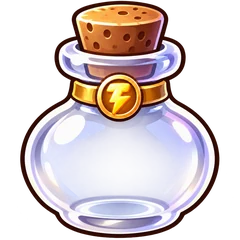
Unlock your Power Bottle by winning a dungeon on your own and claiming Solo Debut in First Steps. It stores spare TP for another game day. Players who already earned a bottle keep it. Open your owned bottle from Inventory, then use Store TP outside dungeon lobbies and battles. Newly stored TP becomes available after the next daily reset.
Ready TP can be withdrawn for eligible quest progress and dungeon attacks, including during a battle. Pending TP stays stored. Withdrawing stored power does not create a new workout or Health record.
Capacity grows from 200 to 400 to 600 TP. Each upgrade consumes two full bottles of stored power, with at most one upgrade charge per game day. Read the confirmation before spending the stored TP.
Side quests connect different parts of your routine to the adventure. Talk to characters on the map, check their level requirement, and read the quest card before accepting.
Character
Level
What to look for
Kabutehan
1
Heavy Lifting: a TP goal.
Hermitanyo
2
Optional rewarded ads, when available. See the ad availability note below.
Fishda
3
The Big One: a TP goal.
Estranghero
4
Step-based progressive quests.
Monkey D. Licious
6
Cycling-distance progressive quests.
Coo Coo
8
Running-distance progressive quests.
Kaibigang Oso
10
TP-based progressive quests.
Mumu
13
Sleep-based progressive quests.
One rewarded bonus quest per game day. Kabutehan, Fishda, Estranghero, Monkey D. Licious, Coo Coo and Kaibigang Oso share the same slot. You can have one of these quests active at a time. Cancelling frees the slot so you can choose another; claiming or settling its reward uses the slot until the next 4:00 AM reset. Mumu uses a separate sleep window and cooldown.
Workouts and everyday movement help you progress. Each side quest follows the activity shown on its card: steps, cycling, running, Tama Power or sleep. See checkpoints and claims before choosing a quest.
If access is unavailable despite meeting the level, let your progress finish syncing and follow the app’s retry instructions. Contact support if it stays unavailable; reinstalling is not a required quest step.
Kabutehan and Fishda offer fixed TP goals. Read the offered target before accepting: eligible equipment can lower a newly accepted TP requirement, and an older accepted card keeps its saved promise.
Level 1
Kabutehan
Heavy Lifting 250 TP → 100 XP + 1 Treat
Level 3
Fishda
The Big One 420 TP → 185 XP + 1 Grilled Talakitok
These offers share one daily bonus-quest slot with Estranghero, Monkey D. Licious, Coo Coo and Kaibigang Oso. Cancelling an active quest frees the slot for another choice. Once a quest reward is claimed or settled, the slot stays used until the next 4:00 AM reset. Mumu’s sleep quest uses its own window and cooldown.
Hermitanyo offers optional ads when supported and available. Check the offer in your app before watching. If it is labeled as a demo or test ad, it does not add a Protein Bar or Tama-Coin to your inventory.
For an offer with rewards enabled, follow the on-screen steps and wait for reward confirmation. Your privacy choices, ad availability and daily limits can affect which offers are available.
Open Settings → Ad privacy options to review available choices; Hermitanyo also provides an entry point. See ad privacy. For a reward you can track without an ad, see daily check-in.
Open Account Settings and choose Delete account, then read the permanent-delete confirmation. If you use Sign in with Apple, follow the additional Apple instructions shown in the app. Logging out does not delete your account. If deletion fails, contact support@fitama.app.
The account-deletion flow removes the profile and linked personal game records. Existing report evidence, backups and provider logs have separate retention rules. Shared parties may continue for other players. Health records in Apple Health are managed separately. See the deletion and retention notes before you decide.
Tama-Coins are the in-game currency used in the Tama Shop. They are separate from Tama Power, which fuels attacks, and XP, which advances your companion’s level.
Sources include eligible side-quest checkpoints, reward boxes, ranking prizes, friend-invite milestone rewards and eligible Normal and Hard dungeon victories. A dungeon coin is a possible reward, not a guaranteed one. Hermitanyo’s coin ads depend on ad availability; see the current ad note.
Claim the reward first, then check your synced balance. Spending TP does not spend coins, and owning coins does not add attack power.
Open Tama Shop. Check your confirmed Tama-Coin balance, then browse All, Equipment or Consumables.
Choose an item. Read the gold effect box and coin price, then tap Buy 1. Use Previous and Next when there is more than one page; a page shows up to 16 listings.
Confirm, then check Inventory. Tap Confirm purchase, then wait for the Added to Inventory message. A purchase adds one item. Consumables stack; equipment copies stay separate. Equip purchased gear to activate it.
If a purchase is still confirming, use its retry or recovery action before starting another purchase. The app can reject an outdated price or an insufficient balance without completing the purchase.
Consumables
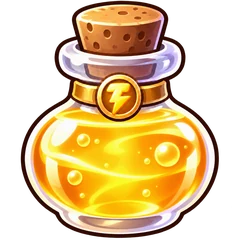
Heart Potion5 Tama-Coins
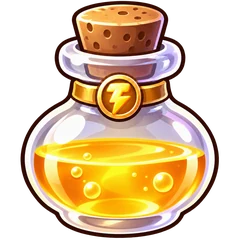
Super Heart Potion12 Tama-Coins
Treat3 Tama-Coins
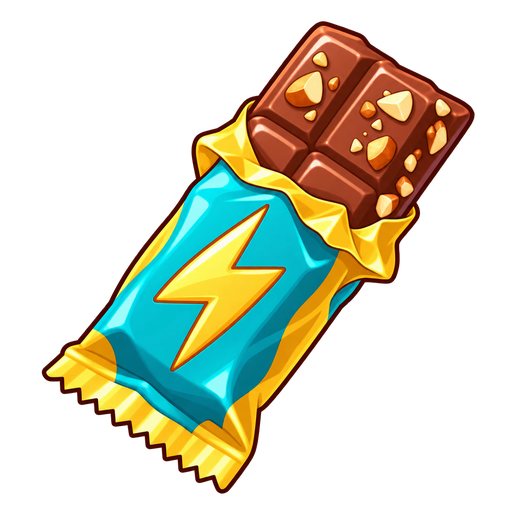
Protein Bar6 Tama-Coins
Second Wind18 Tama-Coins
Small Brain Energy10 Tama-Coins
Getting Wiser18 Tama-Coins
Certified Big Brain25 Tama-Coins
Equipment
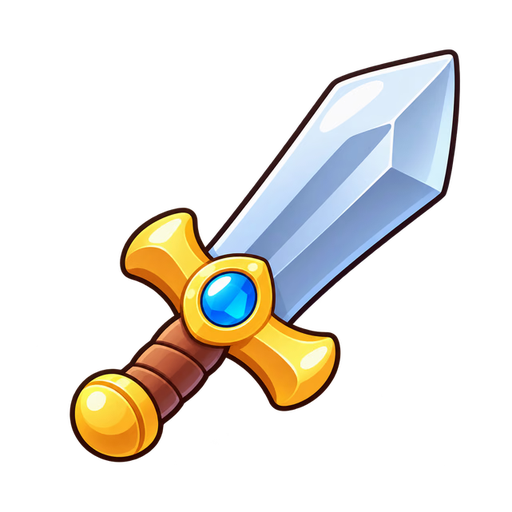
Rep Ripper35 Tama-Coins
Growth Ring35 Tama-Coins
Explorer’s Goggle Cap40 Tama-Coins
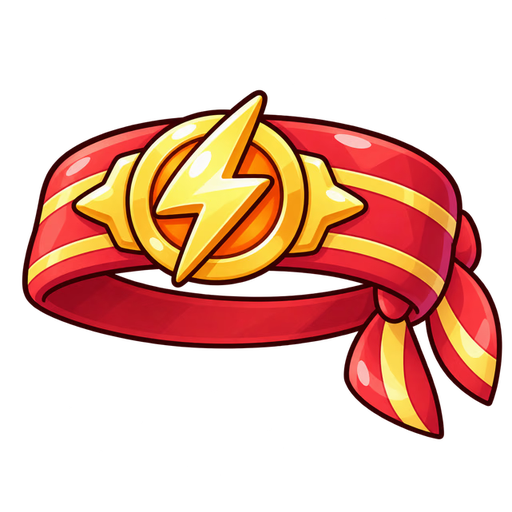
Sweat Headband45 Tama-Coins
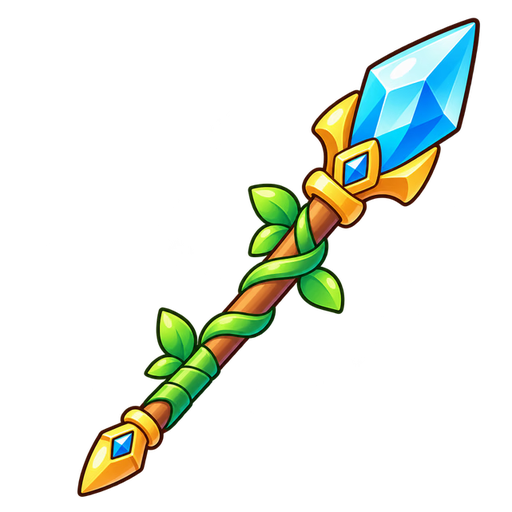
Wellness Spear55 Tama-Coins
Ruby Heart Pendant55 Tama-Coins
Wizard’s Wit Hat60 Tama-Coins
Leafshade Hood60 Tama-Coins
Spikeback Helm60 Tama-Coins
Volt Bracelet60 Tama-Coins
Frostleaf Staff65 Tama-Coins
Champion’s Circlet65 Tama-Coins
Adventurer’s Pack65 Tama-Coins
Prices shown are from the reviewed catalog. The live price in the purchase confirmation takes priority. Not every collectible is sold in the shop; this catalog does not include Tier 3 equipment, reward boxes or VitaSlash.
Restores 20 Hunger, up to 100; extra is lost. Use outside lobbies and battles.
Grilled Talakitok
Restores 50 Hunger, up to 100, and adds Bond. Earn it from Fishda’s The Big One quest. Use outside lobbies and battles while Hunger is below full.
Heart Potion
Normally restores 1 heart, up to 3. Maximum 1 use per player for the entire dungeon run; equipment can modify healing.
Super Heart Potion
Restores health to 3 hearts. Use below full health and outside an active battle.
Protein Bar
Boosts today’s Tama Power after you have earned power through workouts and movement. Daily limits apply; the boost resets with the game day.
Second Wind
One use per game day. In battle, reach the daily attack limit before restoring eligible spent TP. Outside battle, use it while resting to restore eligible spent dungeon TP and end rest. It does not heal hearts.
XP Books
Add companion XP. Available in three strengths; use outside active battles. See the book list below.
Second Wind restoration depends on the rules of your current run, so read its item details for the amount. Protein Bar boosts reset daily. Neither item creates a new workout record.
The dungeon bag shows which items are usable now. “Unavailable here,” full hearts, an empty stack and a daily limit each mean different things; read the reason before trying again.
Use XP Books from Inventory outside an active battle. Their XP does not receive equipment bonuses. Books can appear in eligible rewards and in the Tama Shop.
Current dungeon book pools include Tier 1 in Dungeons 1–4, Tier 2 in 5–8, and Tier 3 in 9–12. Older runs can keep their saved reward rules. Eligibility and a loot roll still apply; a listed book is not a guaranteed drop.
1 guaranteed Tama-Coin plus random loot: consumables, XP Books, coins or Tier 1 equipment.
Treasure Box
5 guaranteed Tama-Coins plus random loot: consumables, XP Books, coins or Tier 1, 2 or 3 equipment.
Open a box you own from Inventory outside an active battle, then collect its confirmed contents. Random loot can include extra coins in addition to the guaranteed amount.
The check-in reward track includes a Mystery Package on Day 7. Mystery Packages also appear in eligible ranking and friend-invite rewards; monthly ranking prizes can include a Treasure Box. Follow the reward card for claim instructions. These boxes are different from an NPC reward bundle in Mail, which contains the specific rewards already earned by that quest.
+5% attack, plus +5% per active teammate, up to +15% total, for you only.
Burnout Hammer
3
+15% attack.
Equip one weapon to activate it. Chance-based effects are rolls, not a promise on every attack. Loot sources and shop availability differ between weapons.
Meet the twelve bosses on the first map. Your level is only one part of entry: progress along the map and check the dungeon’s current requirements before joining.
Stats below show the reviewed one-player, one-day setup. “Daily TP” shows the minimum and maximum daily TP listed in the dungeon details. Party size, duration and the selected mode affect a run; your lobby shows the final numbers.
These are possible drops, not guaranteed rewards. Each eligible player rolls for an item, and equipment rolls separately. Heart Potion eligibility and one-time quest rewards have their own rules. See how loot works before choosing your next run.
Eligible victories in both Normal and Hard numbered dungeons can award items. Each eligible player has a chance to receive one Treat, Tama-Coin or XP Book from the item drop. Book tiers follow the dungeon: D1–4 Tier 1, D5–8 Tier 2, D9–12 Tier 3.
Equipment can drop alongside that item, with a separate chance for each eligible equipment tier. Hard adds the higher-tier gear listed in the enemy atlas. Longer runs, party setup and equipped loot bonuses affect the chances. Heart Potions can also drop separately from eligible victories in Dungeons 3 and 6.
The Power Bottle is a Solo Debut quest reward: win an eligible dungeon on your own, then claim the quest. It is no longer an automatic Dungeon 1 loot reward. Players who already earned a bottle keep it.
Participation matters. Your contribution affects XP and item eligibility. A player who contributes no damage receives no XP or loot. Eligible contributors may still receive partial XP when the enemy flees, but item drops require a victory. A possible reward in the preview is not a guaranteed drop.
Review the result. Check your rewards and the party’s contributions; members can receive different items.
Tap Return. This confirms any eligible reward claim and takes you back to the map. Wait for confirmation, then check Inventory and your balance.
If a claim fails, use Retry. If Back to Map is offered, you can return and reopen the pending reward from the map later. Retrying does not roll a new prize.
An older run can keep the reward rules it started with. The result shown for your run takes priority.
These quests grow with your progress. Reach the minimum to unlock 45 XP, then build toward 325 XP at the maximum. Checkpoints add items along the way. The four coin quests can award up to 6 Tama Coins at their three checkpoints. You can finish once the minimum is met, or keep going within the quest’s activity window.
Level 4
Estranghero
2,000–10,000 steps
Minimum → maximum reward
2 Tama Coins per checkpoint 4,000, 7,000, 10,000 steps
Level 6
Monkey D. Licious
2–25 km cycling
Minimum → maximum reward
2 Tama Coins per checkpoint 10, 18, 25 km cycling
Level 8
Coo Coo
1–10 km running
Minimum → maximum reward
2 Tama Coins per checkpoint 3, 6, 9 km running
Level 10
Kaibigang Oso
200–1,000 TP
Minimum → maximum reward
2 Tama Coins per checkpoint 400, 700, 1,000 TP
Level 13
Mumu
4–8 hours sleep
Minimum → maximum reward
1 Second Wind per checkpoint 7, 8 hours sleep
Accept, sync, then choose when to finish
Accept a quest on the map. Estranghero, Monkey D. Licious, Coo Coo and Kaibigang Oso share one daily bonus-quest slot with Kabutehan and Fishda. Eligible activity from earlier in that same game day can count. Cancelling frees the day’s slot; a claimed or settled reward uses it until the next 4:00 AM reset.
Refresh your activity. A “waiting for sync” message is not a final zero. Allow the records for the original activity period to arrive.
Review and claim. A manual Claim shows your current reward for confirmation, then grants it directly. Earned rewards settled at the deadline can arrive in Mail → Parcel; claim that package separately.
Mumu keeps a different clock
Mumu gives you a 24-hour sleep window from acceptance, with a 20-hour cooldown. You cannot start a second Mumu quest while one is active. Accept before sleeping and allow Fitama to read eligible Apple Health sleep records. Sleep counts toward this quest, not movement TP.
Gear tip: wearing Volt Bracelet when accepting Oso’s quest lowers the TP targets by 20%: 160–800 TP, with checkpoints at 320, 560 and 800 TP. The accepted targets stay fixed even if you change equipment later. Read the accepted card for its saved targets. A quest accepted before a rule update keeps the goals and rewards shown on that card.
When gifting is available, open an eligible item in Inventory, choose Gift to a friend, select a confirmed friend and review the item, quantity and optional message before sending.
Unequip gear before gifting it. Only eligible equipment and consumables show the Gift action; coins, Power Bottles, reward boxes, Grilled Talakitok, the Ancient Compass and VitaSlash are not on the current gifting list.
You cannot send a new gift from a dungeon lobby or active battle. The app shows your remaining send allowance. Receiving a confirmed gift remains available through Mail.
A gift transfers the chosen item rather than making a copy. If sending is awaiting confirmation, use the recovery action before trying again. Your recipient receives the item through the gift’s Receive action.
Achievement cards mark milestones such as hatching your first egg, reaching companion levels, clearing solo or group dungeons, collecting equipment and defeating particular bosses.
Open your achievement collection to inspect each card’s goal and progress. Some cards track repeated victories or collections, so completing one run may only move the counter forward.
Achievement cards are separate from daily and weekly quest claims. An unlock does not promise a coin or item unless its reward is explicitly shown.
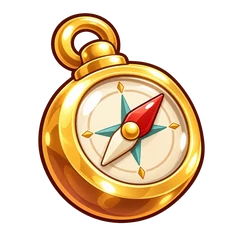
The Ancient Compass is a permanent key awarded through an eligible, confirmed Normal Dungeon 12 victory reward claim. It belongs in Inventory and is kept as a progression item, rather than spent like a consumable.
It points toward Map 2, which is future content in the version reviewed. Owning the compass does not mean the next map is playable yet.
No luck with that search. Try “TP”, “Health”, or “quests”, or ask us for help.
Guide updated October 30, 2026 against the latest app source on GitHub. Features and availability can vary by app version. An already accepted quest or dungeon run keeps the rules shown on its card. Map 2 is future content. Screenshots use sample progress and may differ from your current app.






 1 Treat + 44 XP
 1 Heart Potion + 60 XP
 1 Mystery Package








 Super Heart Potion
 Protein Bar
 Second Wind
 Small Brain Energy
 Getting Wiser
 Certified Big Brain
 Rep Ripper
 Growth Ring
 Explorer’s Goggle Cap
 Sweat Headband
 Wellness Spear
 Ruby Heart Pendant
 Wizard’s Wit Hat
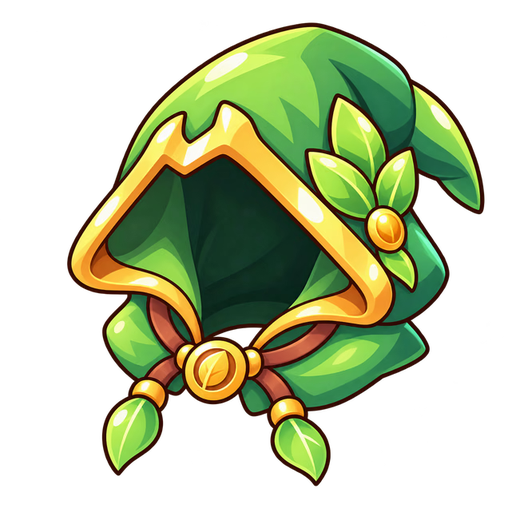 Leafshade Hood
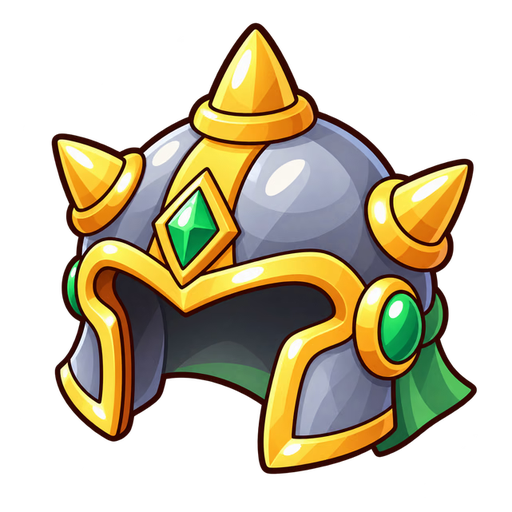 Spikeback Helm
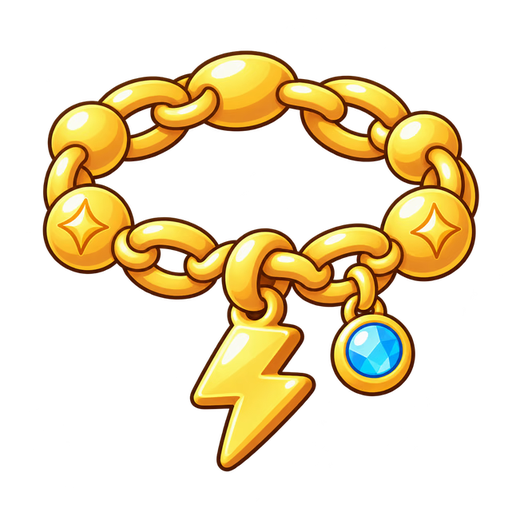 Volt Bracelet
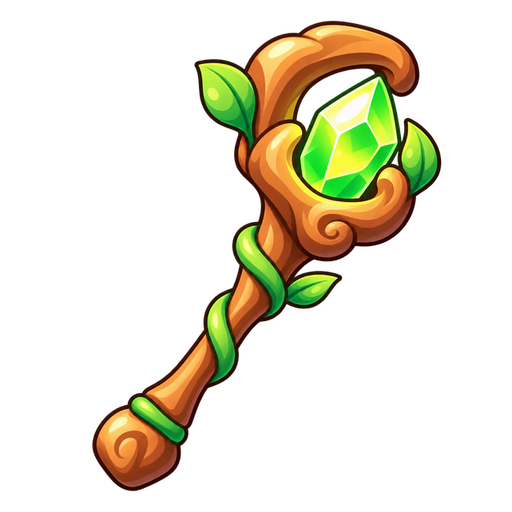 Frostleaf Staff
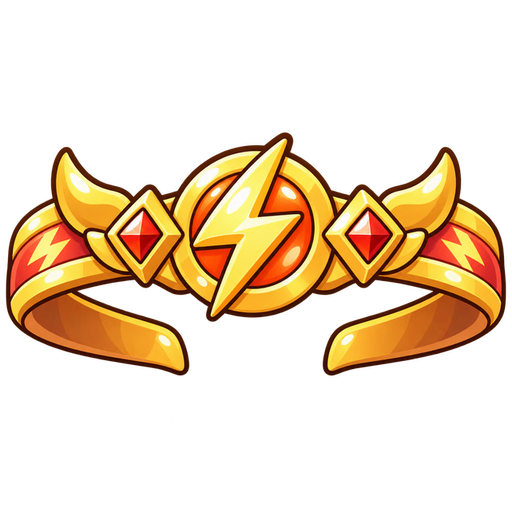 Champion’s Circlet
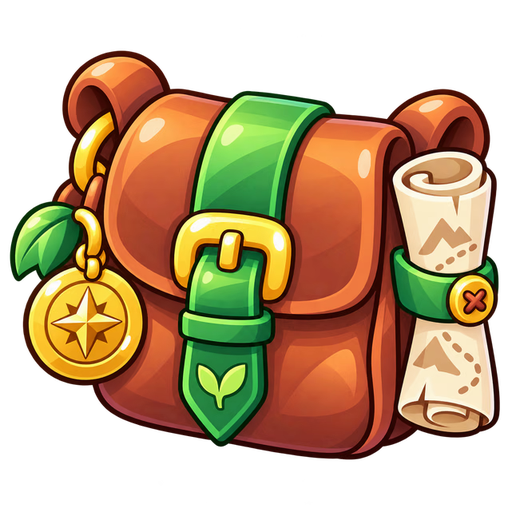 Adventurer’s Pack